
Gmail Sending Limits 2026 (There Are Two Ceilings, Not One)
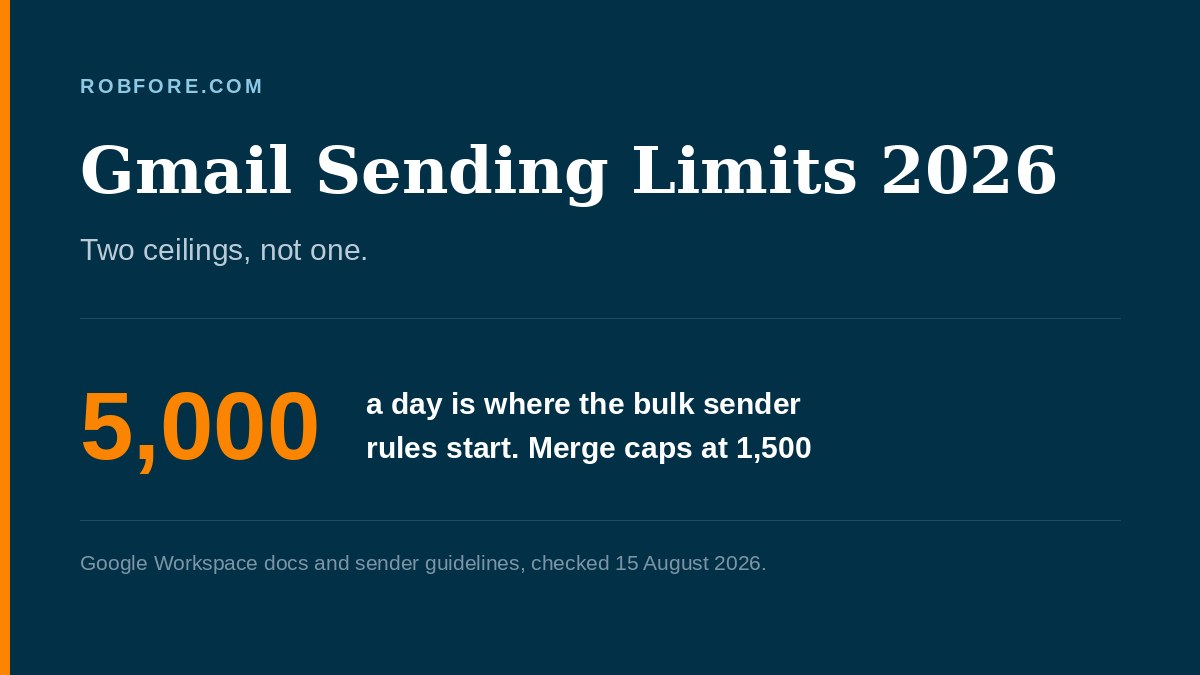
Google Workspace documents 2,000 messages a day, dropping to 1,500 for mail merge. Separately, senders of 5,000 daily messages to Gmail have had to meet bulk sender rules since 1 February 2024. Two different ceilings, and the authentication rules apply at every volume.
Most guides on this topic answer the wrong question, and they answer it confidently.
They tell you Gmail’s limit is 500, or 2,000, or 5,000 - as though there were one number.
There are two.
They do different jobs.
Mixing them up is how people build a sending plan that breaks in week two.
Here is the difference in one line.
One ceiling is how much you can send. The other is what you must do once you send a lot.
What Are Gmail’s Actual Sending Limits?
These belong to Google, not to whatever tool you are sending through. From Google’s own Workspace documentation:
| Google Workspace limit | Value |
|---|---|
| Messages per day | 2,000 |
| Messages per day, mail merge | 1,500 |
| Messages per day, trial accounts | 500 |
| Recipients per message | 2,000 total, max 500 external |
| External recipients per day | 3,000 |
If you are running a mail merge, and almost everybody reading this is, the number that governs you is 1,500 a day.
Not 2,000. Not unlimited.
No subscription tier of any sending tool moves that. That ceiling belongs to Google, and no vendor can lift it on your behalf.
There is a slow lane upward: Google raises the ceiling once an account has spent $100 in total, and warns the increase may lag the payment by as much as 75 days.
Exceed it and Google’s documentation says you get error messages and cannot send new messages for up to 24 hours. Your account stays accessible.
Incoming mail keeps arriving.
A sending suspension, not a ban. It just lands in the middle of a campaign.
The Second Ceiling: Google’s Bulk Sender Rules
This is the one people have heard of and cannot quite place.
From Google’s email sender guidelines: since 1 February 2024, anyone sending more than 5,000 messages a day to Gmail accounts has had to meet a specific set of requirements.
| Requirement | Detail |
|---|---|
| Authentication | SPF, DKIM and DMARC |
| Alignment | The From: header domain must align with the SPF domain or the DKIM domain |
| Spam rate | Below 0.3% in Postmaster Tools. Google recommends below 0.10% |
| Unsubscribe | One-click, using the List-Unsubscribe-Post header, plus a visible link in the body |
Notice the arithmetic problem.
You cannot reach 5,000 messages a day from a single Workspace account that caps you at 1,500. So a solo operator on Gmail mail merge never trips the bulk threshold from one account at all.
Which is where most people stop reading, and where they get it wrong.
Which One Applies To You?
Both. Almost certainly both.
The 5,000-a-day requirements are volume-gated. The authentication baseline is NOT.
Google’s guidance states that all senders must set up SPF or DKIM for their sending domains, not just bulk senders. Volume decides which rules bite, not whether any of them apply to you.
So the honest reading is this.
Your practical ceiling is 1,500 a day. Your compliance floor is SPF or DKIM regardless of volume - and the full SPF plus DKIM plus DMARC stack the moment you are sending at scale across multiple accounts or domains.
Set up the authentication NOW, at 200 emails a day, while nothing is riding on it.
It takes an afternoon of DNS records. It is dramatically less fun to do after deliverability has already gone.
The whole practical takeaway…
Everything below is detail.
What Does CAN-SPAM Add On Top?
A legal layer that has nothing to do with Google, applies at any volume, and carries the only penalty on this page with a dollar figure attached.
The FTC’s CAN-SPAM compliance guide, requires accurate From, To and Reply-To headers, a valid physical postal address, and opt-out requests honored within 10 business days.
The ceiling the FTC publishes is $53,088 per offending message, reindexed for inflation in January 2024.
Per email. Not per send.
Sit with that one, because the arithmetic on a careless 1,500-message campaign is not survivable.
And none of it is theoretical. April 2026 is when the FTC started naming individual marketers in these actions instead of only the companies they promoted, and what an affiliate can legally say about income goes through the detail.
A registered private mailbox counts as a valid physical address, incidentally.
The FTC names it specifically. You do not have to publish your home address to comply.
How Do You Stay Under The Spam Rate?
By sending to people who asked, which is unglamorous advice and also the only kind that works.
0.3% is three complaints per thousand messages. The recommended 0.10% is one per thousand.
On a cold list, a single bad segment clears that in an afternoon. And the damage is not confined to the campaign - it attaches to the sending domain and the account.
Which brings up the risk nobody selling you a sending tool leads with.
If you cold-email from the Google account you also use for client mail, invoices and password resets, you have put your sending reputation and your business in the same basket. A dedicated cold-email platform isolates that. Sending through Gmail deliberately does not, because not isolating it is the entire product.
I use GMass for this and I have written up where it falls short, including that exact risk. It is the right tool if you live in Gmail and you understand you are working inside Google’s 1,500, not around it.
Think of it like the breaker panel in a house. The tool is the appliance you plugged in, but the amperage was decided when the panel went in, and no amount of appliance shopping changes it.
The Rules I Could Not Confirm
Everything above is sourced to Google or the FTC, and nothing else got in. There are widely repeated enforcement details circulating about Gmail bulk mail that I could not confirm against Google’s own documentation on 15 August 2026. None of them appear on this page, and nothing here depends on them. If a guide quotes you a rule that is not in Google’s published guidance, ask where it came from.
Free Gmail is not covered properly here. Everything above is Google Workspace. Consumer Gmail accounts sit lower and Google documents them separately. If you are sending from an @gmail.com address, look those up rather than assuming these numbers apply.
Limits change and this page will drift. These were read off Google’s own documentation on 15 August 2026. They have moved before and they will again. Check before you plan a send, not after.
Deliverability is bigger than compliance. Passing SPF, DKIM and DMARC gets you the right to be judged. It does not get you into the inbox. Content, list quality, sending history and engagement decide that, and none of it is covered here.
I have no data on what happens after a suspension. I have never exceeded the daily cap, so the 24-hour figure is Google’s documentation rather than my experience.
“But My Tool Says Unlimited”
No tool changes Google’s ceiling. Not one, at any price.
Any vendor implying otherwise is selling you around an asterisk, and knowing which limits are theirs and which are Google’s is the entire reason to read this page.
Read it tonight, too, if you bought a list and have not yet read a word about CAN-SPAM. Before you read anything about sending. The lead generation hub covers what transfers to you at the moment of purchase.
Two people are on the wrong page.
One needs more than 1,500 mail-merge sends a day. That ceiling belongs to Google rather than to your vendor, which is why the GMass review spends its time on where the line actually sits.
The other came for a deliverability guide. This is the rules layer.
Getting into the inbox is a different and harder subject.
Set up SPF and DKIM this week. Send to people who asked. Keep the list clean enough that 0.10% is comfortable rather than aspirational, and the rest of this page becomes trivia you never have to think about again.
Bless and be blessed,

Gmail Sending Limits FAQs
How many emails can I send from Gmail per day?
Google Workspace documents 2,000 messages a day, 1,500 if you are using mail merge, and 500 on trial accounts. Recipients are capped separately at 2,000 per message with a maximum of 500 external, and 3,000 external recipients a day.
What is Google's bulk sender rule?
Since 1 February 2024, anyone sending more than 5,000 messages a day to Gmail addresses must authenticate with SPF, DKIM and DMARC, keep spam complaints under 0.3%, and support one-click unsubscribe. Google published those requirements in its own sender guidelines.
Do the bulk sender rules apply if I only send 1,000 a day?
The 5,000-a-day requirements do not, but the authentication baseline does. Google states that all senders must set up SPF or DKIM for their sending domains, not only bulk senders. Volume changes which rules bite, not whether any of them apply.
What spam rate does Gmail allow?
Google says keep the spam rate reported in Postmaster Tools below 0.3%, and recommends staying below 0.10%. That is three complaints per thousand at the ceiling and one per thousand at the recommended level. It is a low bar to trip on a cold list.
Can I raise my Gmail sending limit?
Not by paying for a higher tier of your sending tool, because the cap belongs to Google rather than the tool. Google does note that limits increase after an account has cumulatively paid at least $100, and that the change can take up to 75 days after meeting that threshold.
What does CAN-SPAM require on top of Google's rules?
Accurate From, To and Reply-To headers, a valid physical postal address, and opt-outs honored within 10 business days. Exposure runs to $53,088 per email in violation, a figure the FTC last adjusted for inflation in January 2024.
What happens if I exceed the daily limit?
Google states that users who exceed limits get error messages and cannot send new messages for up to 24 hours. Accounts stay accessible and incoming mail keeps arriving. It is a sending suspension rather than a ban, but it lands mid-campaign.
Sources
- Google Workspace Admin, Gmail sending limits in Google Workspace - checked Aug 15, 2026
- Google, Email sender guidelines (bulk sender requirements) - checked Aug 15, 2026
- FTC CAN-SPAM Act Compliance Guide for Business - checked Aug 15, 2026